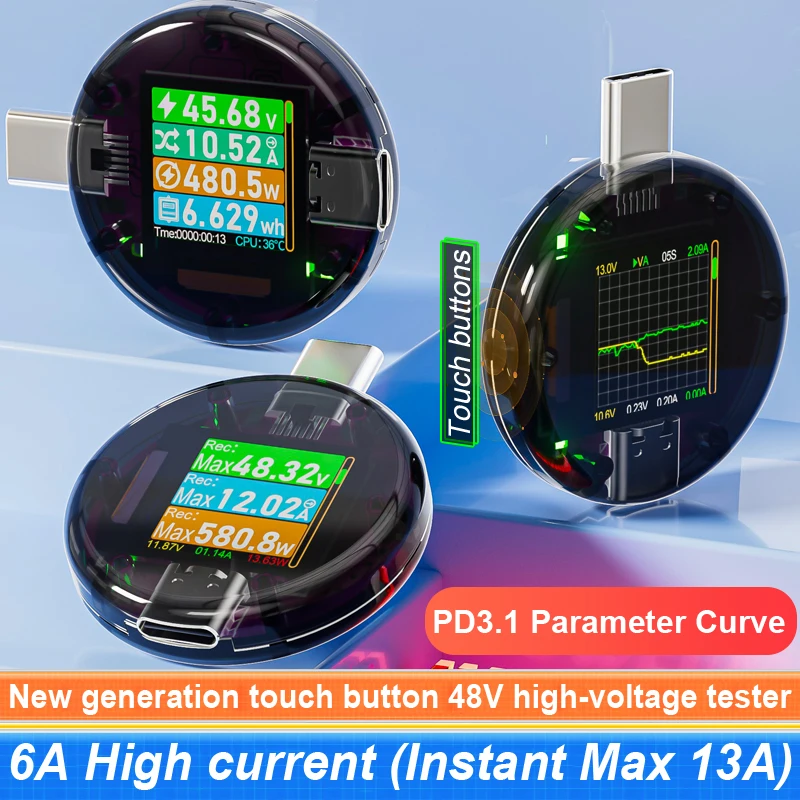
48V 12A Typ-C PD3.1 Ladegerät Erkennung Tester DC Digital Spannung Strom Power Bank Kapazität Meter Amper Detektor CC085 Monitor
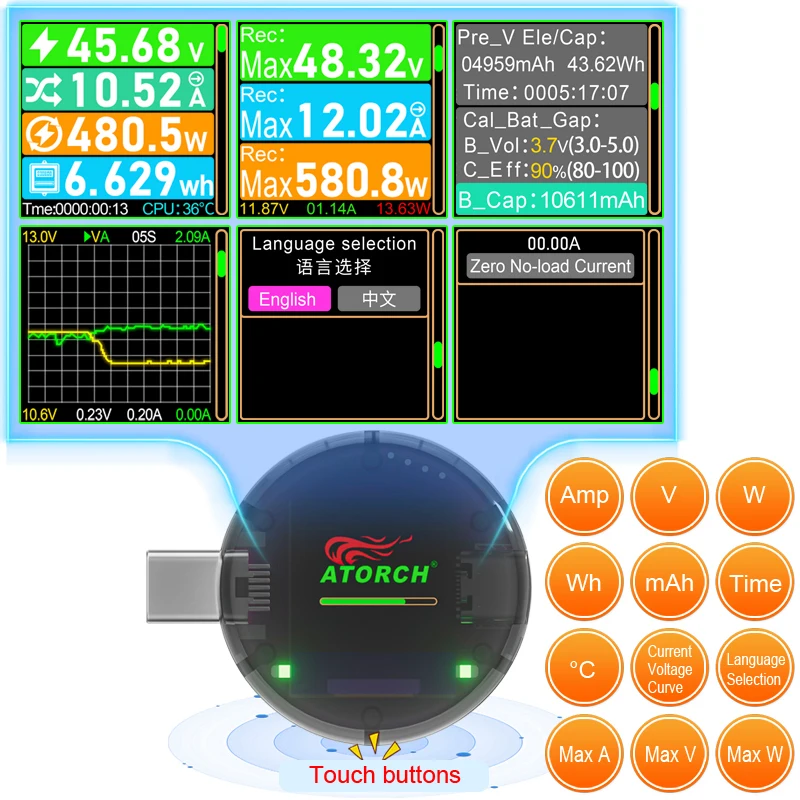
FAQ: Q:How to reset capacity data? Answer: On the main interface, press the touch button three times in a row (1 second, press three times), and the capacity data will reset to zero (note that the speed should not be too slow or too fast, and you need to master the rhythm. There are two green indicator lights on the screen that will light up) Q: How do I switch to the next testing interface? Answer: Click the touch button to switch to the next testing interface Q: Does it support Bluetooth? Answer: This tester does not support Bluetooth Q: How to set the battery capacity parameter value? Answer: Click the touch button to switch to the battery capacity parameter interface. Press the touch button three times in a row (1 second) to set the voltage (3.0-5.0V) value. If you press the touch button two times in a row, the value will increase. If you press the touch button three times in a row (1 second, press three times), switch to the efficiency white ratio setting (80-100%) value setting. If you press the touch button two times in a row, the value will increase, Click the touch button to reduce data, press the touch button three times in a row (1 second) to exit the setting! (Note: We have already set the parameters and generally do not need to set them) Q: Does this tester have a screen shutdown function? Answer: Yes, there are some, you can click the button to switch to the off screen interface, so you can worry free night charging! Q: Does it support Chinese/English? Answer: Supports Chinese or English. Click the touch button to switch to the language interface. Press the touch button three times in a row (1 second and three times) to switch between Chinese or English Q: Does it support zero load clearing? Answer: Yes, if you find zero drift current, you can remove the load and press the touch button three times in a row (1 second, press three times) to reset it to zero without load!